After purchasing a plan or add-on for Simple Calendar, your license key will be included in the purchase receipt email sent to the email address used during checkout.
If you cannot find the email or prefer to access your license from your account, you can also retrieve it directly from your Simple Calendar account dashboard.
Steps to Locate Your License Key
- Navigate to the Account page here: https://simplecalendar.io/my-account/
- In the Purchase History section, locate the product you purchased.
- In the License Keys column, click on “View Licenses.”
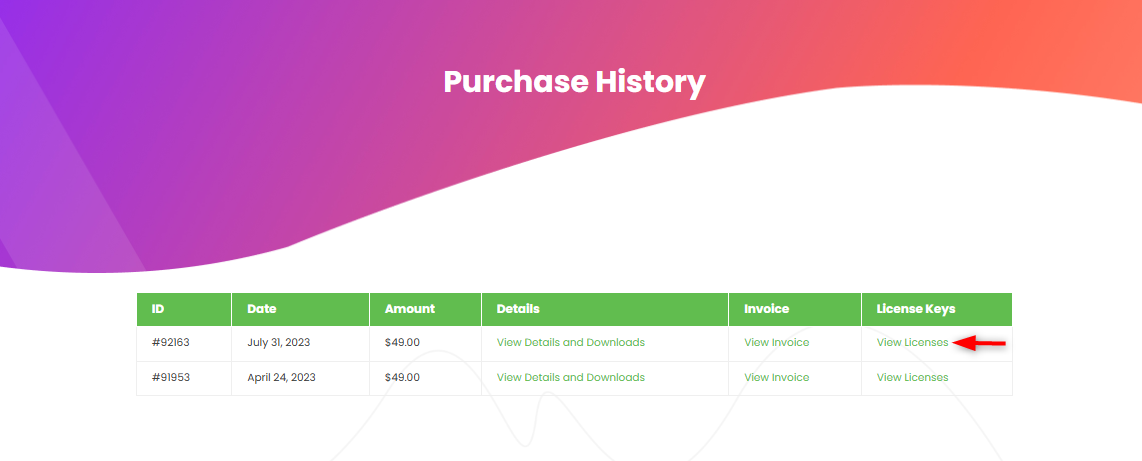
4. On the next page, you will see the license key(s) associated with your purchase.
You can then copy your license key and activate it on your website by following the instructions provided in the documentation here.